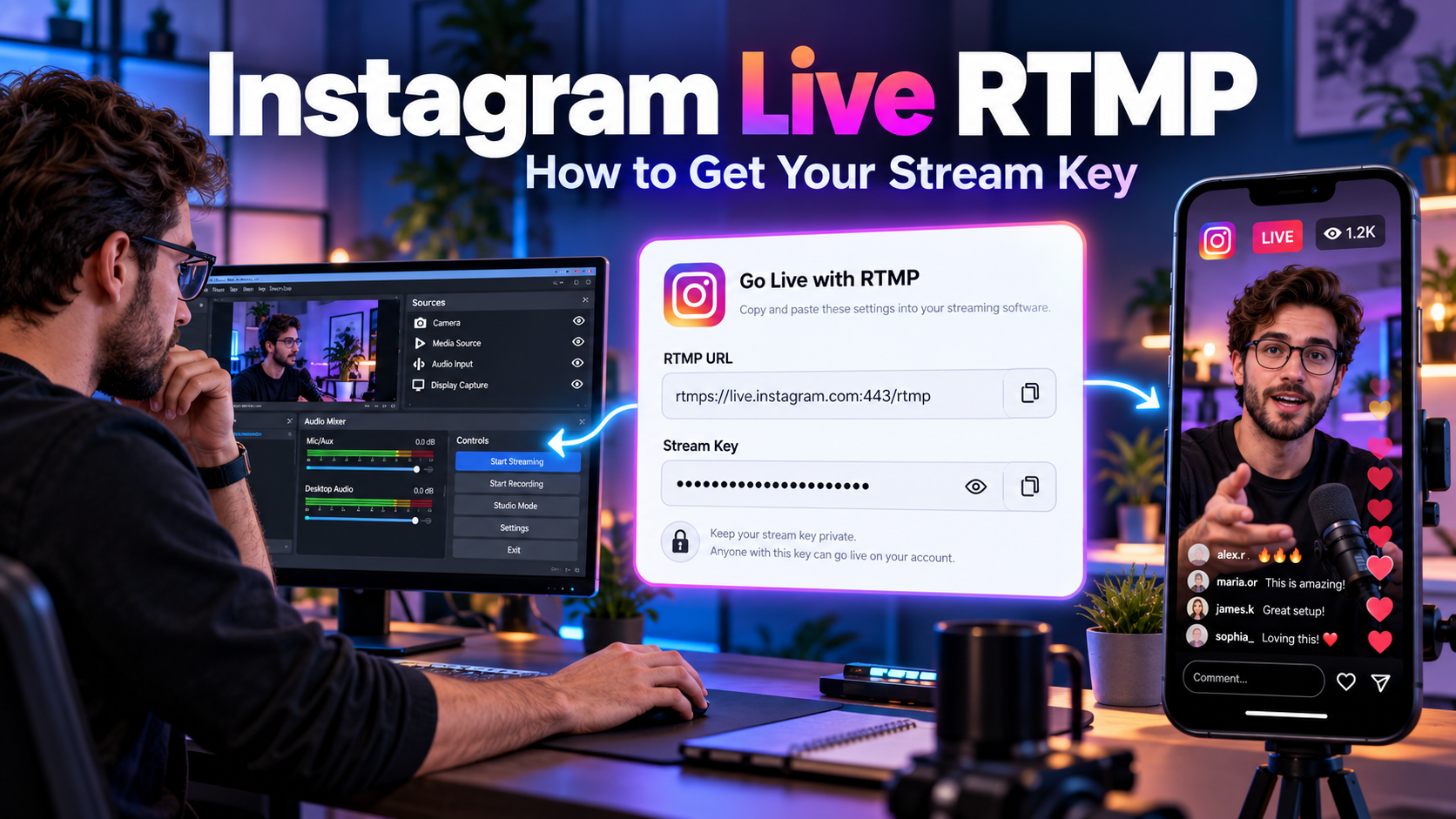
Instagram Live RTMP: How to Get Your Stream Key
TL;DR: Instagram does not hand out a public RTMP stream key like YouTube or Twitch do. To stream to Instagram Live with RTMP, you need a third-party platform that brokers the connection for you. Promovgram generates a custom RTMP URL and stream key tied to your Instagram account, so you can go live from OBS Studio, vMix, Wirecast or any encoder that supports custom RTMP — in about five minutes.
What Is RTMP and Why Does It Matter for Instagram Live?
RTMP (Real-Time Messaging Protocol) is the standard protocol broadcast software uses to push a live video feed to a streaming server. When you go live on YouTube or Twitch, the platform gives you two things: a stream URL (the server address) and a stream key (your private credential). You paste both into OBS Studio and start broadcasting.
Instagram works differently. The Instagram app does not expose an RTMP endpoint to regular users, which is why you cannot simply go live from a PC with OBS out of the box. This is the number one obstacle for creators who want professional-quality Instagram Live streams with overlays, multiple scenes, pre-recorded segments or multi-camera setups.
The workaround is a platform like Promovgram, which connects to your Instagram account, authenticates the live session, and gives you a private RTMP destination. Your encoder talks RTMP to Promovgram; Promovgram delivers the stream to Instagram Live. From Instagram's perspective, everything looks like a normal live broadcast from your account.
How to Get Your Instagram RTMP Stream Key with Promovgram
Here is the exact workflow, start to finish:
1. Create your Promovgram account. Sign up and connect the Instagram account you want to stream from. New accounts get a free 7-day trial — no credit card required.
2. Open the Live Stream tool. In the dashboard, select your connected Instagram account and open the live streaming module.
3. Copy your RTMP settings. Promovgram displays a Stream URL and a Stream Key generated for your account. These parameters stay the same across sessions, so you only configure your encoder once.
4. Paste them into OBS Studio. In OBS, go to Settings → Stream, choose Custom as the service, and paste the Stream URL into “Server” and the Stream Key into “Stream Key”.
5. Start the encoder, then go live. Click Start Streaming in OBS first. Once the feed is flowing, click Start Live in Promovgram. Your Instagram account goes live with whatever OBS is sending.
6. End the stream from Promovgram first. Always stop the live from the Promovgram dashboard, then stop the encoder. This ensures Instagram closes the broadcast cleanly and saves it to your archive if you enabled that option.
Recommended RTMP Settings for Instagram Live
Instagram is stricter than YouTube about what it accepts. These settings give you a stable broadcast on a typical connection:
Resolution: 720x1280 (portrait) for fullscreen mobile viewing, or 1280x720 (landscape) if you rotate inside the platform. Promovgram includes rotation controls (90° clockwise/counter-clockwise) so a landscape OBS canvas can fill a portrait phone screen.
Bitrate: 2,500–4,000 kbps for video. Instagram Live typically caps around 4 Mbps; pushing more wastes upload bandwidth without improving quality.
Keyframe interval: 2 seconds. This is required — Instagram's ingest rejects feeds with irregular keyframes, and Promovgram's on-screen instructions flag it explicitly.
Encoder: x264 (software) or NVENC/QuickSync (hardware) both work. Hardware encoding is easier on your CPU during long streams.
Audio: AAC, 128–160 kbps, 44.1 or 48 kHz.
Upload speed: you need at least 3 Mbps stable upload. Test with a speed test before going live; if you are close to the limit, drop to 720p at 2,500 kbps.
What You Can Do Once RTMP Is Working
Getting the stream key unlocked opens the full toolkit of desktop broadcasting on Instagram:
Pre-recorded videos as live. Broadcast a polished, edited video as an Instagram Live — useful for launches, webinars and product demos where mistakes are not an option. Our guide on how to live stream a pre-recorded video on Instagram walks through the full setup.
Multi-account simulcast. Stream the same feed to several Instagram accounts at once — ideal for agencies and brands with regional profiles.
Overlays, scenes and alerts. Because you are broadcasting from OBS, you can use lower thirds, branded frames, screen sharing and scene transitions that the Instagram app cannot do.
Live analytics. Promovgram captures viewers, comments and likes during the broadcast and lets you export the data afterwards — something the native app does not offer.
Frequently Asked Questions
Can I get an Instagram RTMP key without third-party tools?
No. Instagram does not provide a public RTMP endpoint or stream key to regular users. You need a platform like Promovgram that authenticates with your account and brokers the RTMP connection.
Does streaming via RTMP violate Instagram's rules?
Promovgram streams through your own authenticated account session, the same way the mobile app does. Treat your credentials carefully, avoid spam behavior, and follow Instagram's community guidelines as you normally would.
Which software works with Instagram RTMP?
Any encoder that supports a custom RTMP destination: OBS Studio, vMix, Ecamm Live, Wirecast, XSplit, Streamlabs, Larix Broadcaster, and even DJI drones. The setup is identical — paste the Stream URL and Stream Key.
How long can an Instagram RTMP live stream run?
Instagram allows 1 to 4 hours per live session depending on your account history. New devices are often limited to 1 hour for the first streams, then extended to up to 4 hours.
Is there a free way to test Instagram RTMP streaming?
Yes — Promovgram's free trial gives you 7 days of full access, so you can test the RTMP pipeline with your own encoder before committing to a plan.
Conclusion
The missing Instagram RTMP key is the only thing standing between you and professional desktop broadcasting on Instagram Live. With Promovgram you get the stream key, the encoder flexibility of OBS, multi-account simulcast and live analytics in one place. Set it up once, and every future live stream is two clicks away — start your free trial and go live from your PC today.